RenderReel: Stills In, Launch Video Out
Every render I finish has the same sad ending: a screen recording. I drag the file into chat, type "check this," and watch good work die in a grey player. The alternative — cloud video tools — burns credits on every retry and phones home with my assets. So I built the boring-reliable middle: RenderReel, a CLI that turns stills and a one-page brief into a cinematic launch video. Offline. On a Raspberry Pi. In under a minute.
And to prove it, I made RenderReel make its own launch video. Narrated, captioned, music bed and all. It is bragging about itself right now, in its own voice:
The brief is the product
Everything starts from one YAML file. Product name, a hook (linter-enforced: twelve words max), a tagline, scenes with narration lines, a palette, a mood. That's the whole input:
product: "RenderReel"
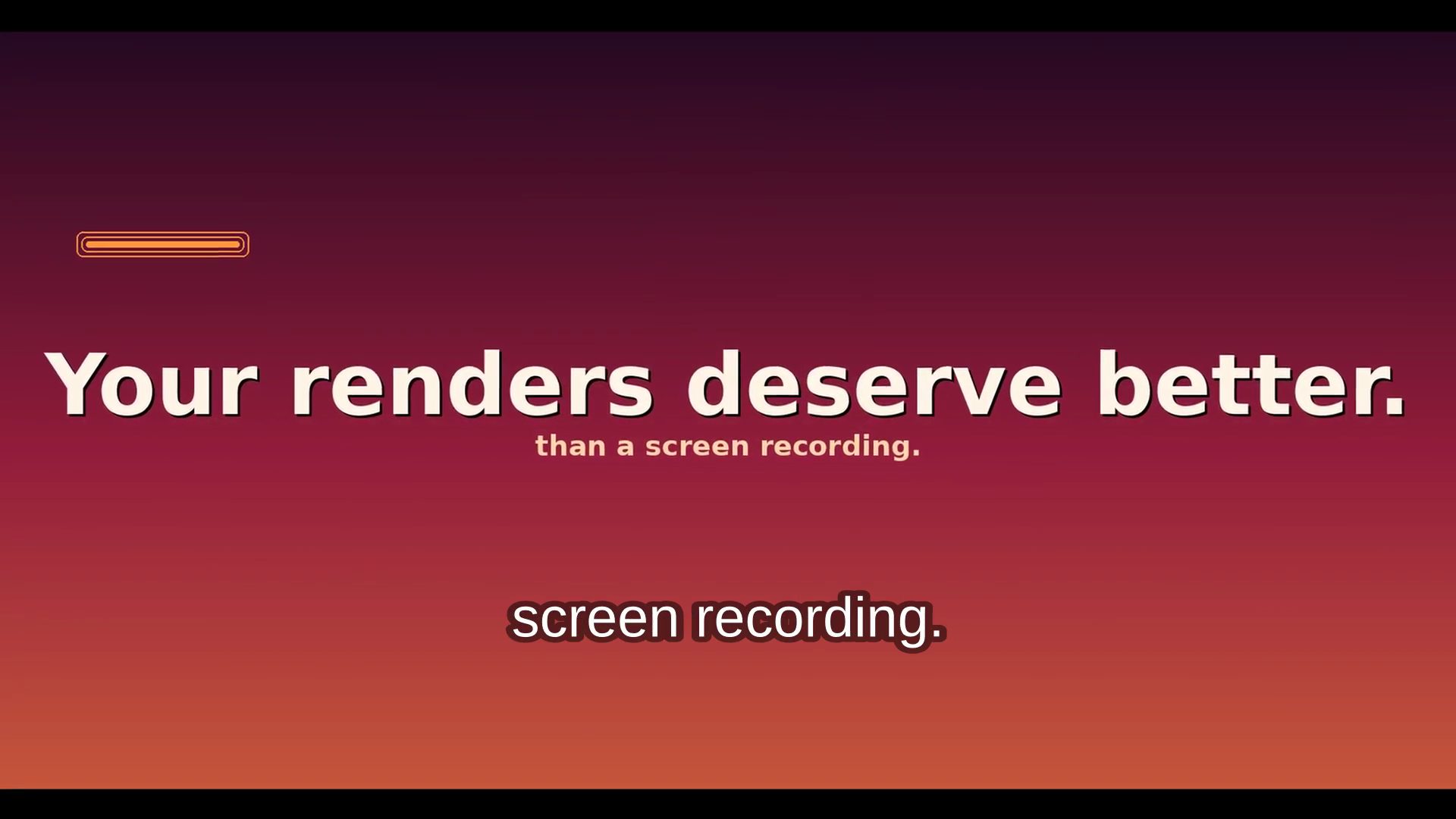
hook: "Your renders deserve better than a screen recording."
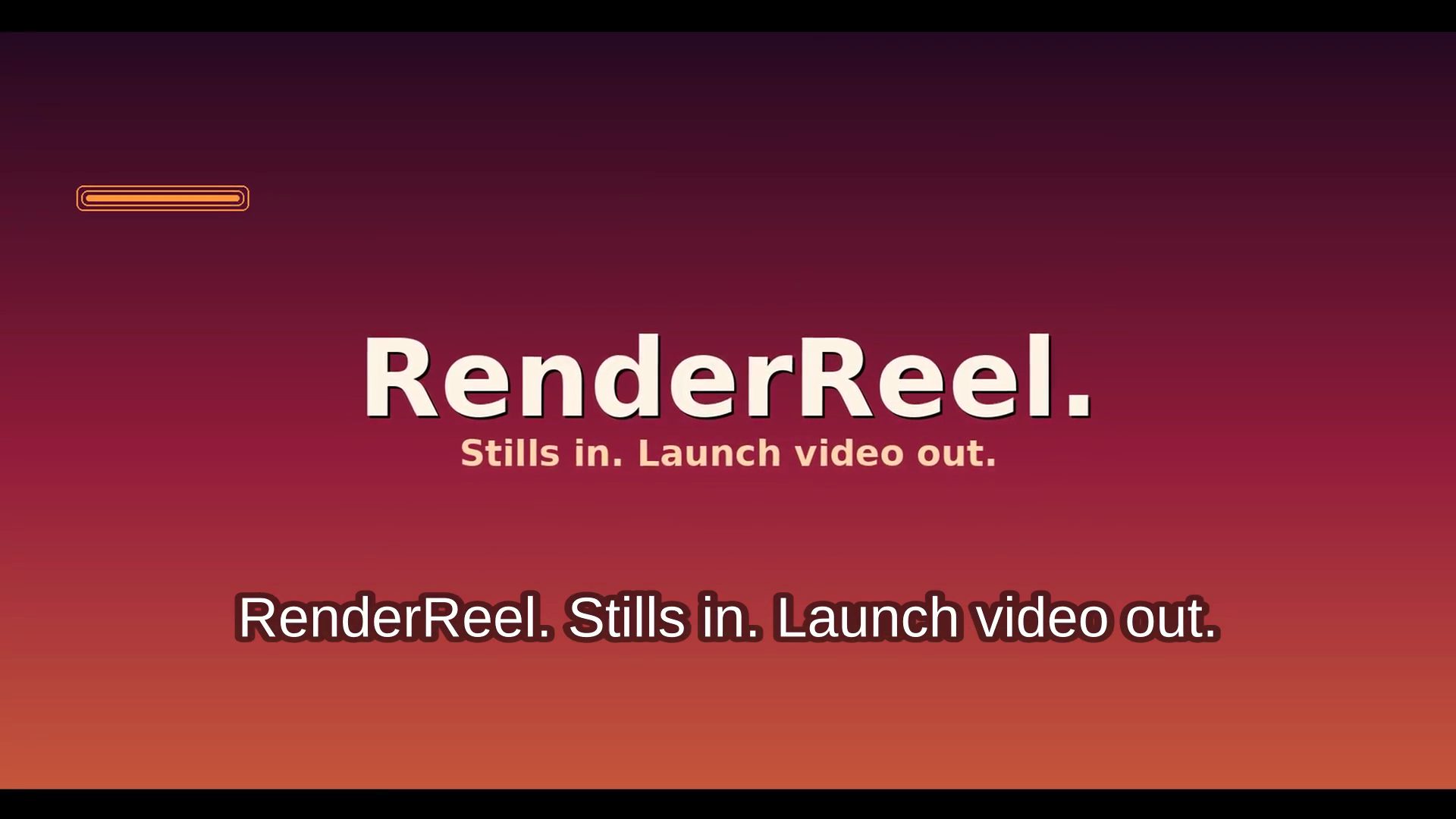
tagline: "Stills in. Launch video out."
format: landscape
palette: ember
mood: pulse
scenes:
  - title: "Brief in. Chaos out."
    body: "lint. stills. voice. captions."
    narration: "Feed RenderReel a brief and some stills..."
    seconds: 5
The pipeline runs six stages: lint → stills → Ken Burns clips → narration → music bed → mux + QC. Each stage is a module with one job, and the linter fails fast — weak hook, missing tagline, narration overflowing its slot — before a single frame renders. That fail-fast habit comes straight from AIVideoQualityGate: never pay render time for a brief problem.
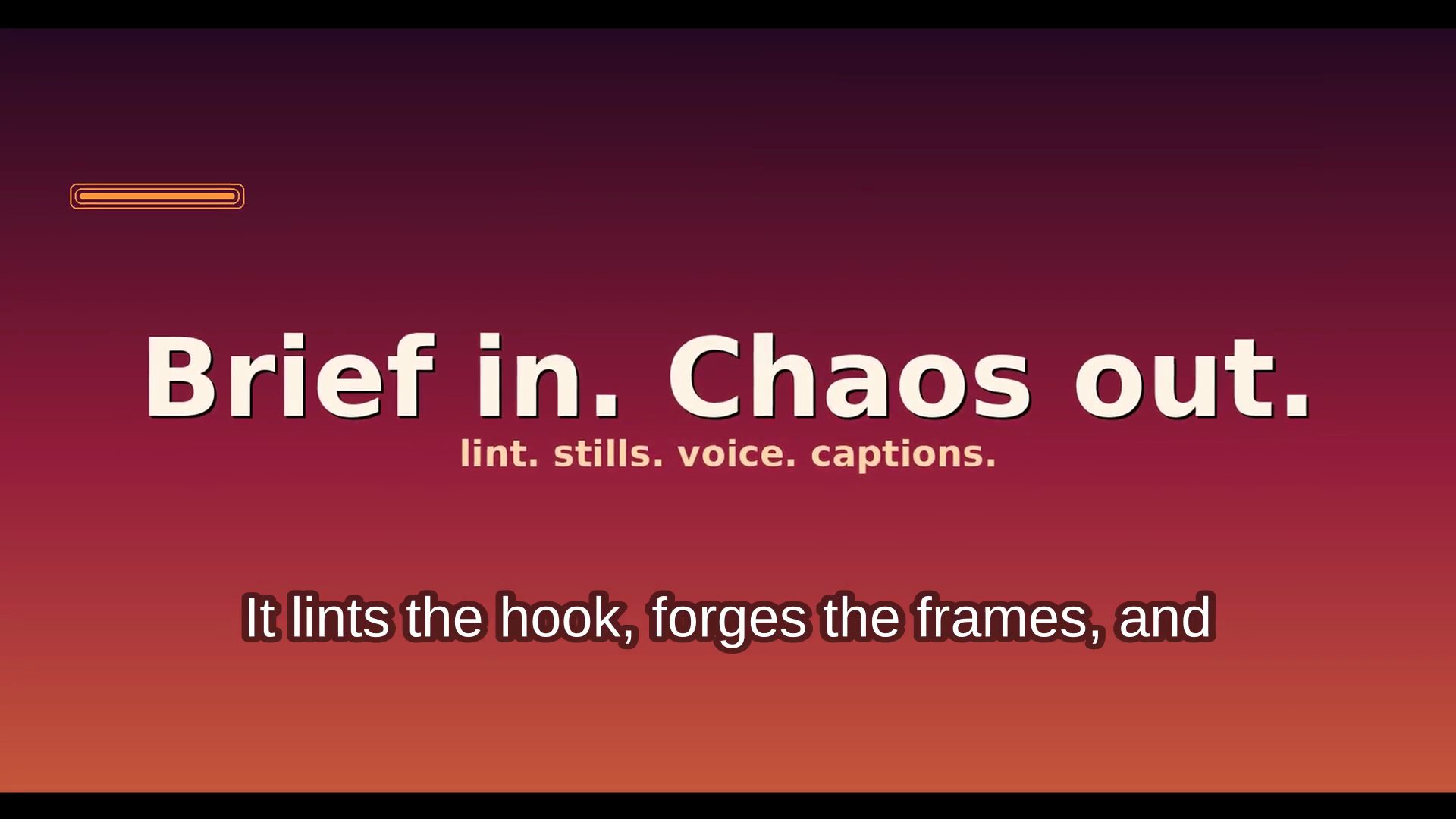
Image and video, one toolchain
The image side is pure PIL: gradient backdrops in four palettes (ember, royal, noir, pulse), glow accent bar, auto-sized typography, letterboxed normalization for creator-supplied stills so mixed aspect ratios never break the cut. No image models, no API keys, deterministic — the same brief renders the same frames every time.
The video side is ffmpeg all the way down: zoompan for the Ken Burns drift, xfade for crossfades, burned-in subtitles, and a generated music bed (synthesized pulse/noir/ember drones, no stock audio licensing) sidechain-ducked under the narration so the voice always wins. Piper does the neural narration offline — a ~60MB voice model, no cloud.
The hardest bug was in the ducking: sidechaincompress refuses a filter label as its key input, so the narration has to be asplit first — one copy as the key, one as the mix source. Two lines, one hour. Classic ffmpeg.
The QC gate
Every render ends with the same three assertions: dimensions match the format, duration matches the brief, audio is present. If any fail, the command exits non-zero and CI catches it. It's a small thing, but it's the difference between "it rendered" and "it shipped."
Where it sits
RenderReel is the launch layer on my AI-video toolchain: prompts from cinematic-ai-prompts, motion patterns from RemotionPlaybook, QC philosophy from AIVideoQualityGate, and the pipeline-drawing habit from AIVideoDiagrams — now executable instead of decorative.
Try it: renderreel render demo/brief.yml --out ./launch. Ten unit tests, one doctor command, MIT licensed. And if your renders are still going out as screen recordings — we need to talk.
Have a project like this in mind?
I help brands and teams turn ideas into finished, living work. If something here sparked an idea, let's talk.